
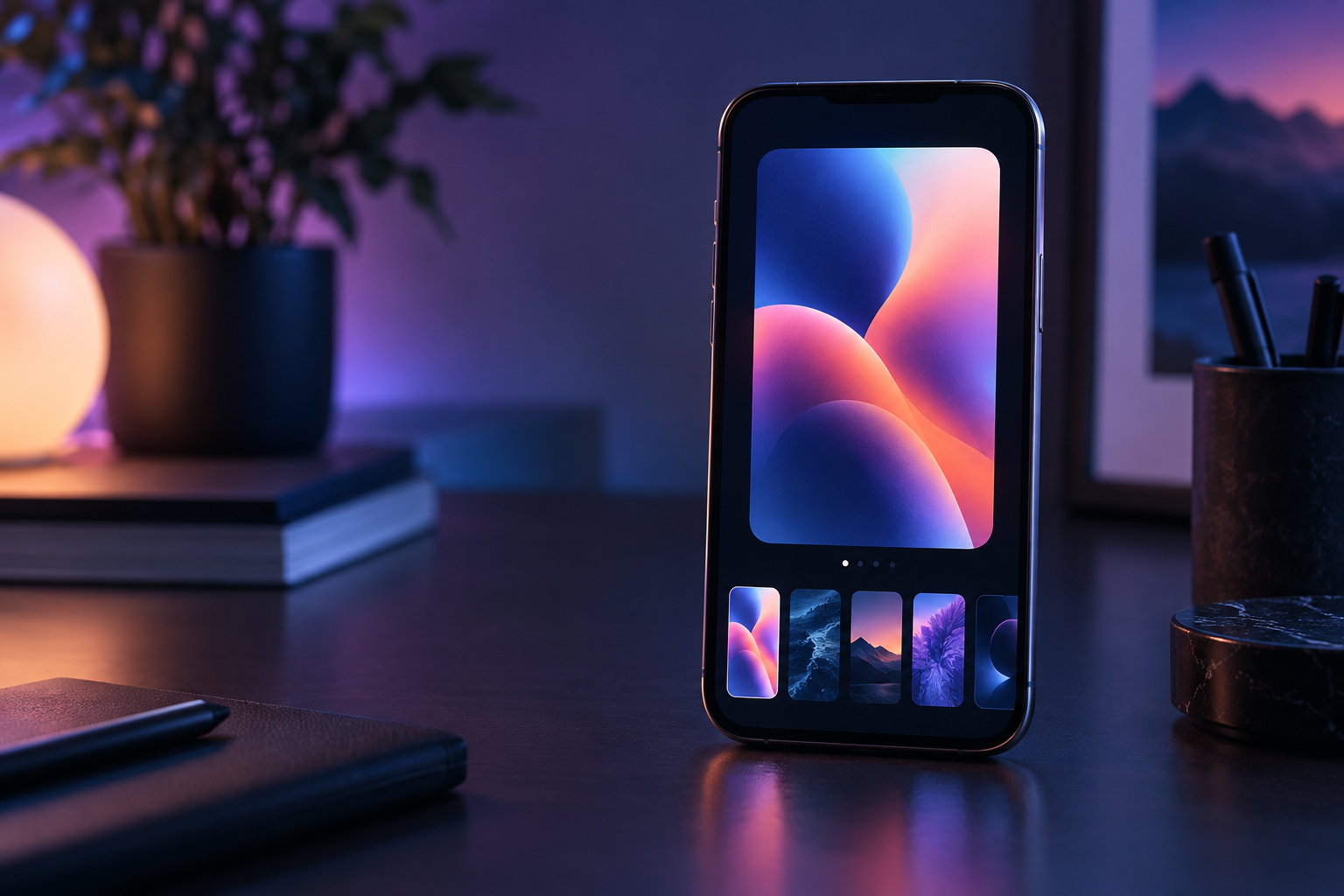
Your iPhone wallpaper no longer has to be something you download and accept as-is. In iOS 27, the wallpaper picker becomes a small creative studio, with a direct path to making an image that fits the screen instead of forcing a random crop.
It starts where you already change the Lock Screen
Open Settings, choose Wallpaper, and tap Add New Wallpaper — or press and hold the Lock Screen and use the plus button. The new Image Playground option appears alongside the other wallpaper choices, so you do not need to hunt through a separate app first.
Describe the image, then make it yours
You can begin with a simple idea, choose an available visual style, or use an existing photo as the starting point. The generated result is prepared for the proportions of an iPhone wallpaper, which is the useful detail: the image is made to live behind the clock and widgets, not merely squeezed into that space.
iOS 27 also surfaces suggested versions of personal photos. If a wallpaper in the gallery was created with AI, the Image Playground marker makes that origin visible instead of quietly blending generated and ordinary images together.
The best use is personal, not perfect
This is less about producing a studio-quality poster and more about giving your phone a look that belongs to you: a stylized travel photo, a soft illustration, or a background built around a color you actually like. The fast loop matters — describe, preview, keep or try again.
As with every generated image, inspect faces, small details, and text before using it. A wallpaper is low-stakes, which makes the Lock Screen a good place to experiment with the feature.