
Google's September Pixel Drop is a collection of small changes with a practical theme: reach important people faster and spot suspicious messages earlier. It also brings a few hands-free improvements to Pixel Watch.
VIP widgets put people before apps
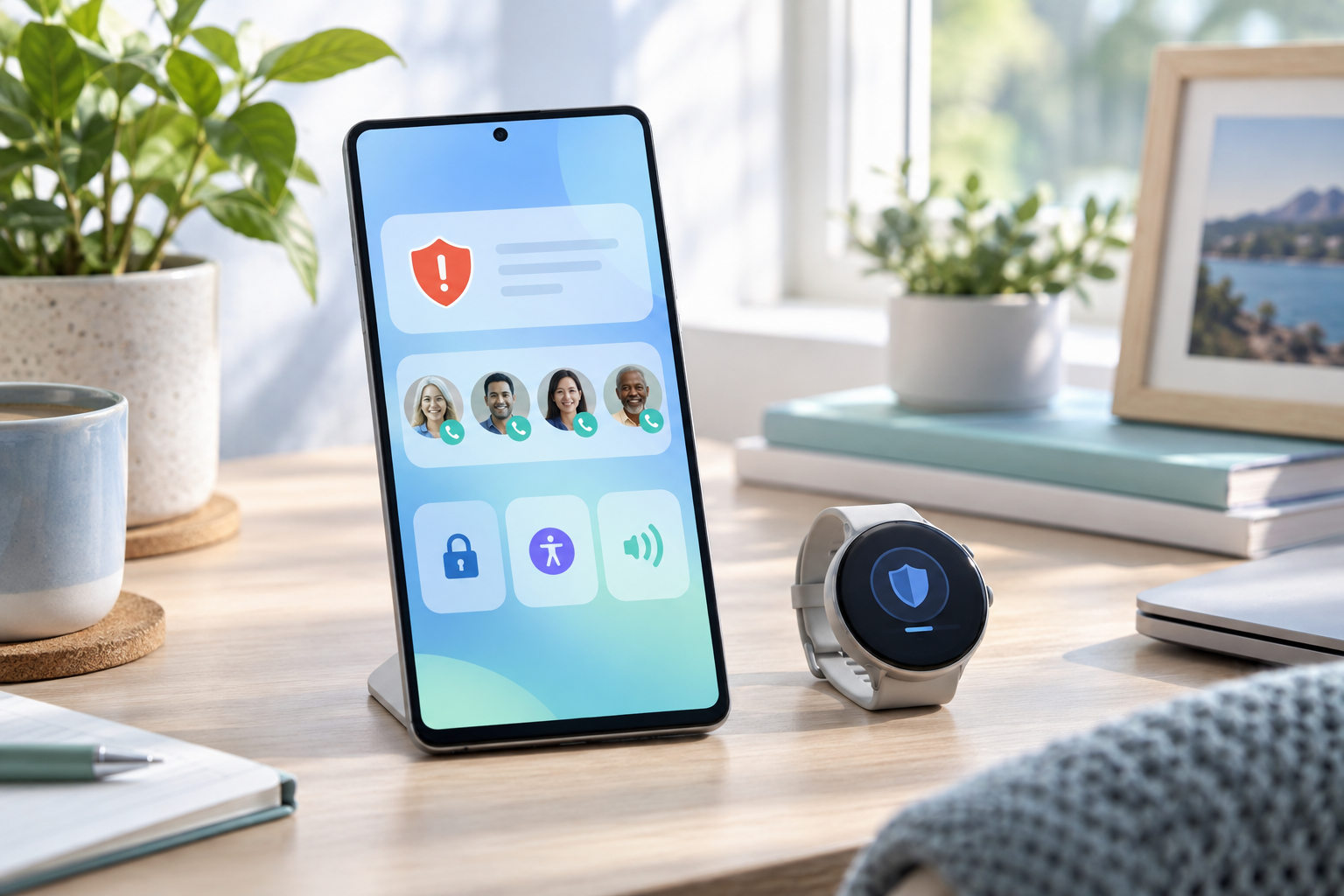
Updated home-screen widgets let users call or message favorite contacts with one tap and switch between people through a floating navigation control. New notification badges are intended to make missed messages from those contacts easier to notice.
This is the kind of update that can matter more than a dramatic redesign. A good contact widget removes the routine of opening an app, finding a conversation, and checking whether a message is new.
Scam protection reaches more conversations
In the United States, Gboard can now show inline warnings when a message appears suspicious. Google is also expanding Scam Detection for notifications from chat apps to more regions. Availability depends on country, language, device, and app, so users should check their Pixel settings rather than assume every protection is active.
No automated warning is perfect. A missing alert does not make a message safe, and a warning should be treated as a reason to slow down: verify the sender through another channel, avoid urgent payment requests, and do not share verification codes.
Pixel Watch gets easier hands-free control
The update includes improvements to Raise to Talk and adds more app integrations for one-handed gestures. Those changes are especially useful when the other hand is occupied or touching the screen is inconvenient.
Should you install it?
Pixel Drops roll out across eligible devices rather than reaching every phone at the same moment. Check for system and app updates, then review the safety features that are available in your region. The security value comes from combining device warnings with cautious habits, not from relying on either one alone.