
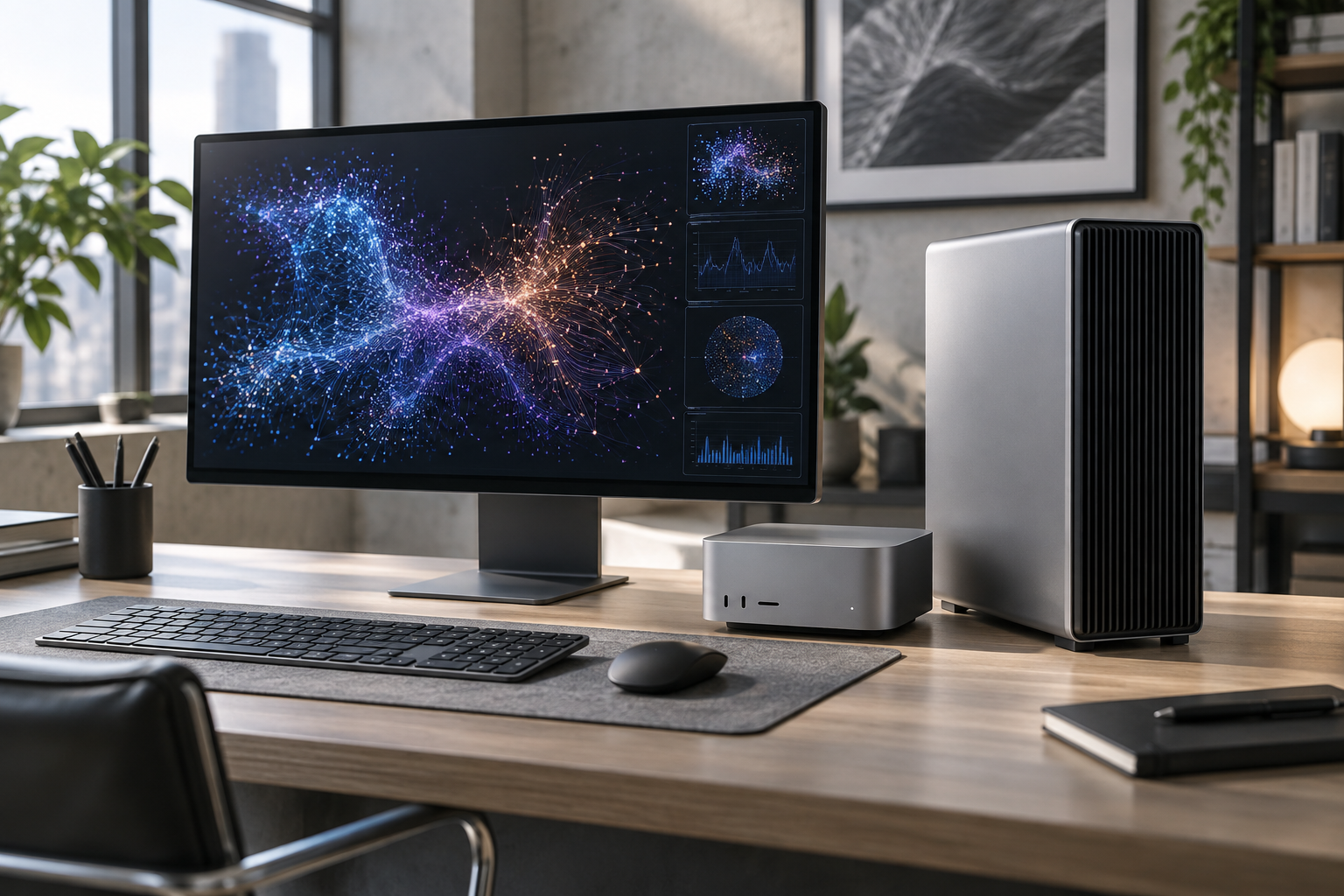
Apple's new desktop range is now available, and the dividing line is clear. The M6 Mac mini targets everyday work, development, and smaller local AI jobs; the M5 Max and M5 Ultra Mac Studio aim at professionals who need far more graphics power and memory.
The M6 Mac mini is the mainstream option
The new Mac mini starts at $899 in the United States with 16GB of unified memory. Apple says its M6 configuration uses a 12-core CPU, 12-core GPU with Neural Accelerators, and a dual 16-core Neural Engine. Memory can be configured up to 32GB, while the M5 Pro version supports up to 64GB.
Connectivity now includes Wi-Fi 7, Bluetooth 6, and 2.5Gb Ethernet, with a 10Gb option. That makes the small machine interesting not only as a desk computer but also for code builds, creative work, and always-on local services.
Mac Studio is built for workloads that stay local
The M5 Max Mac Studio starts at $2,499. The M5 Ultra model starts at $5,499 and can be configured with up to a 36-core CPU, 80-core GPU, and 512GB of unified memory. Apple says that capacity can support very large language models entirely on the device.
Thunderbolt 5 reaches up to 120Gb/s, and Apple says multiple Mac Studio systems can be clustered through RDMA for distributed inference. Those are specialist features, but they reveal the direction: Apple wants the Studio to compete for AI work that would otherwise live in a server or cloud instance.
Performance claims need context
Apple advertises large gains for AI and graphics, but its comparisons use specific previous configurations and selected tests. Buyers should match the machine to the applications they actually run, then compare memory needs, sustained performance, and total price rather than relying on one multiplier.
Which one makes sense?
For office work, coding, music, and light creative projects, the Mac mini is the sensible starting point. Mac Studio is for workflows that can use its memory and GPU: high-resolution video, 3D, scientific analysis, or large local models. Buying the larger machine for ordinary browsing will not make ordinary browsing meaningfully better.